Guides
Mobile Proxy vs. Residential Proxy: Which Is Right for Your Project?
- Mobile Proxies
- Residential Proxies
A marketing team finds that a landing page loads on office Wi-Fi but fails through cellular data. Testing it with a home-broadband IP would not reproduce the same network conditions. The distinction between mobile and residential proxies starts there: the network the destination website sees.
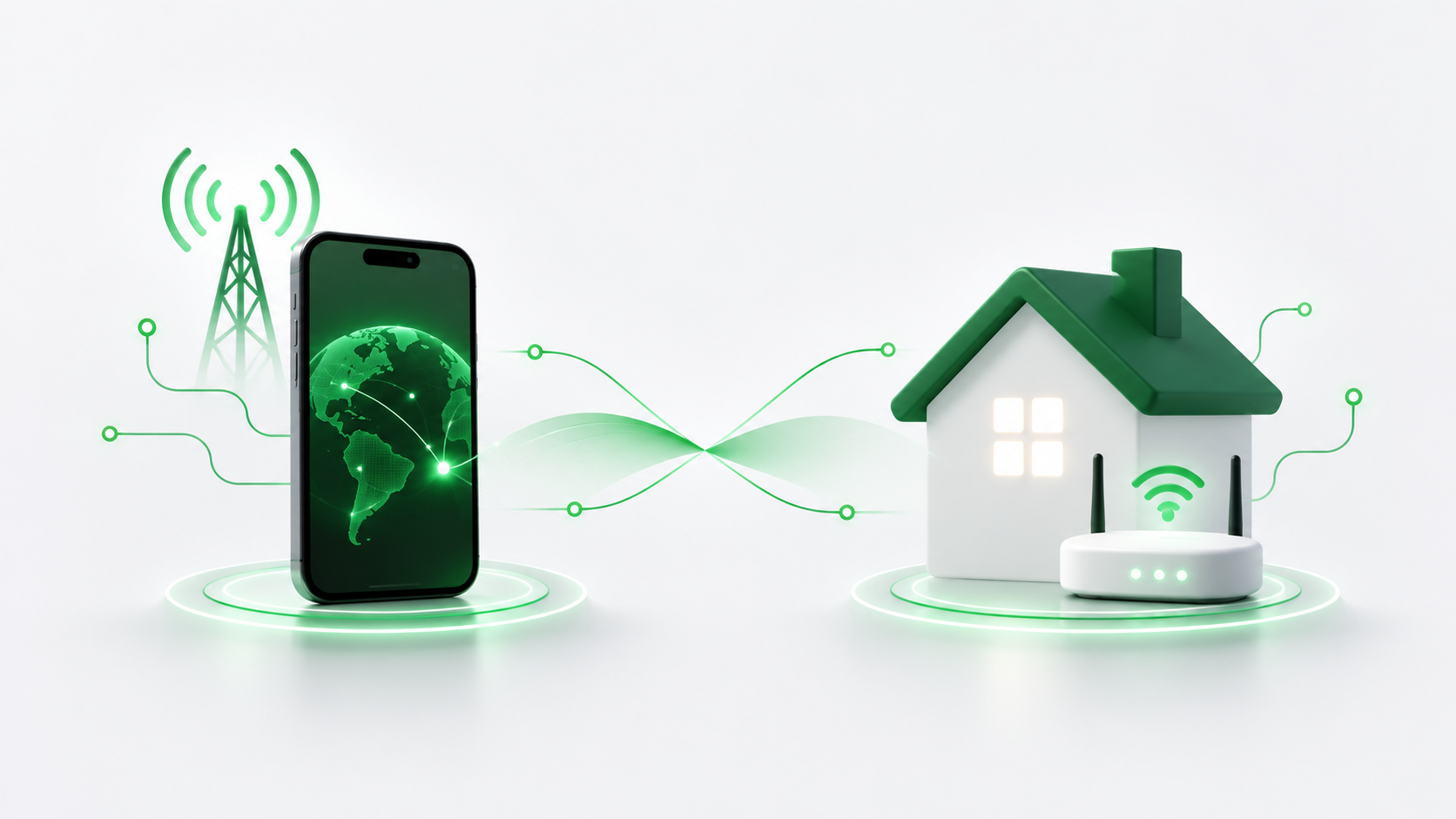
In a mobile proxy vs. residential proxy comparison, a mobile proxy uses an IP associated with a cellular carrier, while a residential proxy generally uses a consumer home internet connection. Both route requests through another public IP. Neither automatically grants more access, hides account activity, or avoids security restrictions.
The phone-on-Wi-Fi test explains the difference
A phone connected to a household router normally reaches websites through the household internet provider. Turn off Wi-Fi and use its SIM, and the public IP comes from the carrier. The device is unchanged. The exit network changes, and that is the distinction a proxy buyer needs to understand.
Mobile proxies typically use 4G, LTE, or 5G carrier-associated addresses. Residential services typically use home broadband IPs from fiber, cable, or DSL providers. A proxy provider may relay traffic through different infrastructure, so verify the actual outgoing IP and network organization rather than assuming the advertised name proves everything.
Mobile proxy vs. residential proxy: a practical comparison
Origin: cellular operator versus consumer broadband ISP. Best initial fit: mobile-network testing versus home-internet and regional storefront research. Rotation: both can support changing and sticky IP sessions. Targeting: country and sometimes finer regional options depend on the product. Speed: neither is automatically faster. Security challenges: neither is certain to pass them.
The performance details matter because two addresses with the same country label may behave very differently. A congested carrier connection can be slower than home fiber; a weak household connection can also perform poorly. Always compare successful page loads, timeouts, response consistency, and unexpected changes of IP.
Why a mobile carrier IP may be shared
Mobile carriers often use carrier-grade NAT, or CGNAT, to let multiple subscribers share a public IPv4 address. The Internet Engineering Task Force documents this behavior in RFC 6888. It is an engineering technique for managing address space, not proof that traffic is safe or trustworthy.
Some fixed-line ISPs also use CGNAT, so 'mobile is shared and residential is always unique' is too broad. Sites can also evaluate cookies, browser signals, account history, and activity. A carrier IP is not a promise that a service will ignore suspicious behavior.
A sticky session does not mean a permanent IP
A sticky session asks the proxy provider to keep routing through one exit address for a stated time. A mobile modem might reconnect and get a new public IP, while a residential peer device may go offline. Providers handle these events differently, so verify what happens during interruptions rather than treating the maximum session duration as permanent.
A dedicated endpoint can mean reserved hardware or credentials, but a modem on a carrier using CGNAT may still share its external address with ordinary subscribers. Ask exactly what is exclusive before assuming you have a private public IP.
When each option makes sense
For mobile ad and website troubleshooting
Use a carrier exit when a real problem occurs on cellular internet. Keep the browser, URL, language, and login state as consistent as possible, then compare the website through mobile and ordinary broadband connections. Record the outgoing IP and actual page response. A proxy is useful for network testing, but it does not reproduce every property of a physical phone.
For regional product and search research
Residential IPs are often a logical starting point when your goal is the home-broadband view of permitted public pages across countries. Keep records of the country, browser configuration, and returned content. If the research question changes to carrier connectivity, run an additional mobile test rather than treating the two environments as interchangeable.
For authorized long-running accounts
Focus on consistency and permissions. Confirm that the endpoint will remain stable for the required session and use the platform's official account management tools. An IP change does not erase account history or authorize prohibited automation. If an account receives a security check, follow the platform's verification process.
How to compare mobile proxies vs. residential proxies with real evidence
Choose one permitted public page and one target country. Establish a baseline on your normal connection, then run the same check through a mobile exit. Confirm the public IP and network operator. Repeat the test through a residential exit in the same country, keeping the application settings consistent.
Compare complete loads, median response time, failures, location accuracy, and address changes during the test. A slightly slower route that consistently returns the correct page may be the better choice for your work. If you collect permitted public data, count usable records rather than raw requests.
The purchasing questions people overlook
Ask how the IP addresses are sourced and which networks announce them. Confirm available countries, rotation triggers, authentication methods, supported protocols, and what happens when a connection disappears. For residential networks, look for clear information about participant consent. Never assume a proxy configured in a desktop browser also routes traffic from every native mobile app.
Those questions make a mobile proxy vs. residential proxy comparison far more useful than picking a product based on an advertised pool size or an unsupported performance claim.
How Premip fits into this decision
Premip's current mobile proxy offering uses carrier-associated 4G, LTE, and 5G addresses. It advertises HTTP and SOCKS5 connections, manual rotation, and sticky sessions of up to one hour. For legitimate regional or mobile-network tests, explore Premip mobile proxies and verify the available country and connection details before starting.
Premip has also included residential and datacenter services in its broader plans, but live availability should be checked before recommending them for a specific task. The point is to choose the network that meets your actual requirement, not claim that one category wins everywhere.
For a mobile proxy vs. residential proxy trial, record the target URL, exit network, connection country, and session outcome before you compare providers.
Another mobile proxy vs. residential proxy decision can arise when a project moves from mobile ad testing to household broadband research; revisit the network requirement instead of reusing the same setup.
Choose the exit that answers your question
The mobile proxy vs. residential proxy choice is not about which label sounds more powerful. Mobile is the starting point for cellular-network testing; residential is appropriate when household broadband is the environment you need to study. Measure the page results, session behavior, and location before committing to a larger project.
Frequently asked questions
Is a mobile proxy the same as a residential proxy?
No. A mobile proxy exits through a cellular network, while a residential proxy normally exits through consumer fixed-line broadband. A phone connected to Wi-Fi does not necessarily use a mobile IP.
Are mobile proxies always more trusted?
No. The IP's network origin is one signal among many. Websites may evaluate device information, session history, account behavior, and policy compliance.
Why does a sticky IP change?
Carrier reconnections, residential devices going offline, and provider failover can interrupt a sticky session. Ask how the service handles these situations.
Which is better for web scraping?
Use the network that matches your permitted research task. Residential connections may fit home-broadband regional comparisons, while mobile exits matter for carrier-network tests.
Is residential vs. mobile proxy about a phone or a computer?
No. The distinction concerns the network path. A phone on home Wi-Fi normally presents the home ISP's address, not a carrier address.
Can both products support HTTP and SOCKS5?
Yes, depending on the provider. Check the exact endpoint and whether the application you use supports the protocol and authentication.